See what your team can do with Keyboard

When you deploy Keyboard, your employees can use the AI tools they already have to automate real work across every app in your stack. You set the guardrails, you get the visibility, and your team gets the productivity. Here's what that looks like.

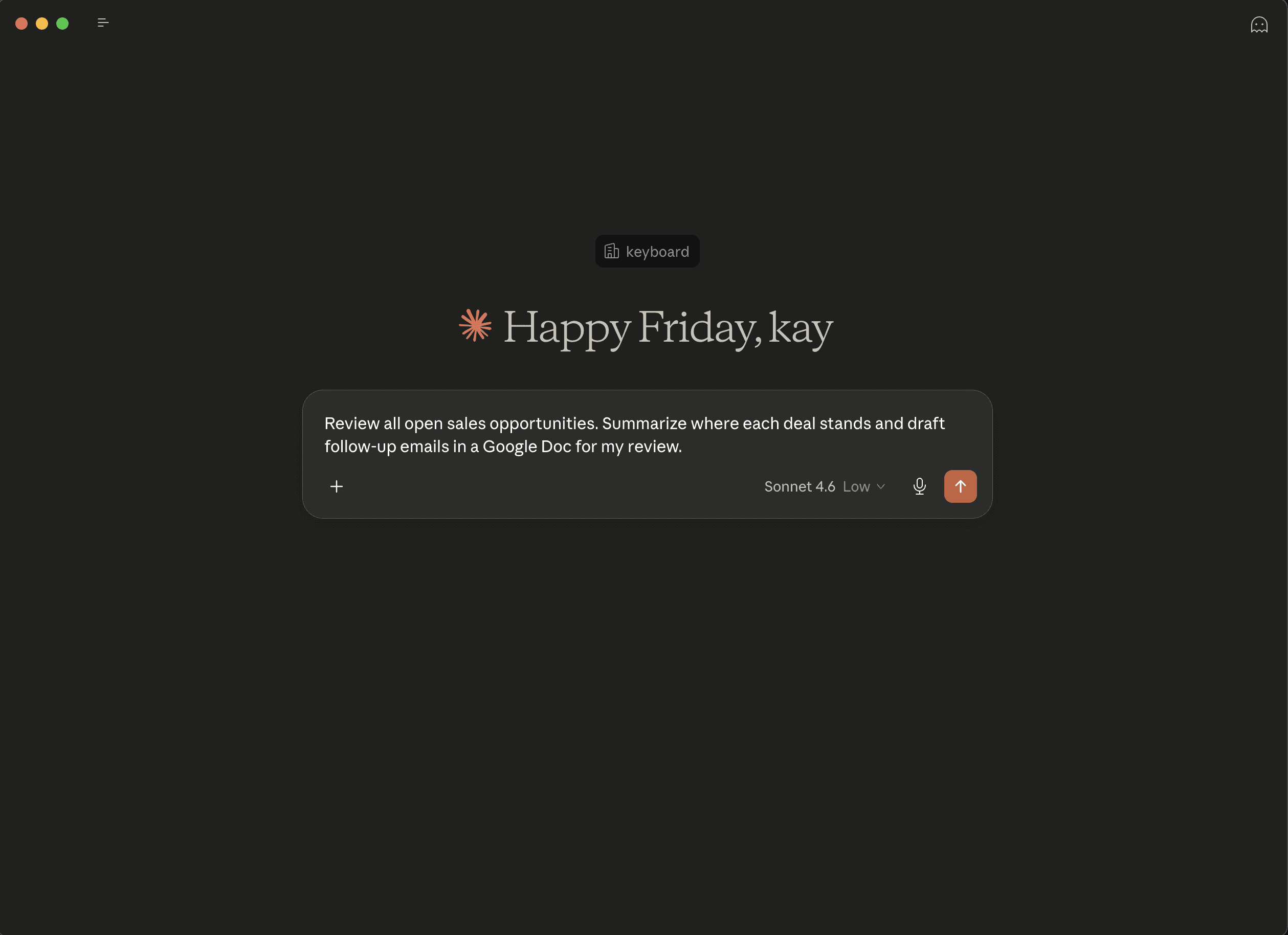
Employee makes a request

Your employees type a request in any AI tool they already use, including Claude, ChatGPT, Gemini, Cursor, Copilot, and more. Alternatively, they can use Keyboard's out-of-the-box chatbot, shown above, which your org can white label as your own.

Employee makes a request

Your employees type a request in any AI tool they already use, including Claude, ChatGPT, Gemini, Cursor, Copilot, and more. Alternatively, they can use Keyboard's out-of-the-box chatbot, shown above, which your org can white label as your own.

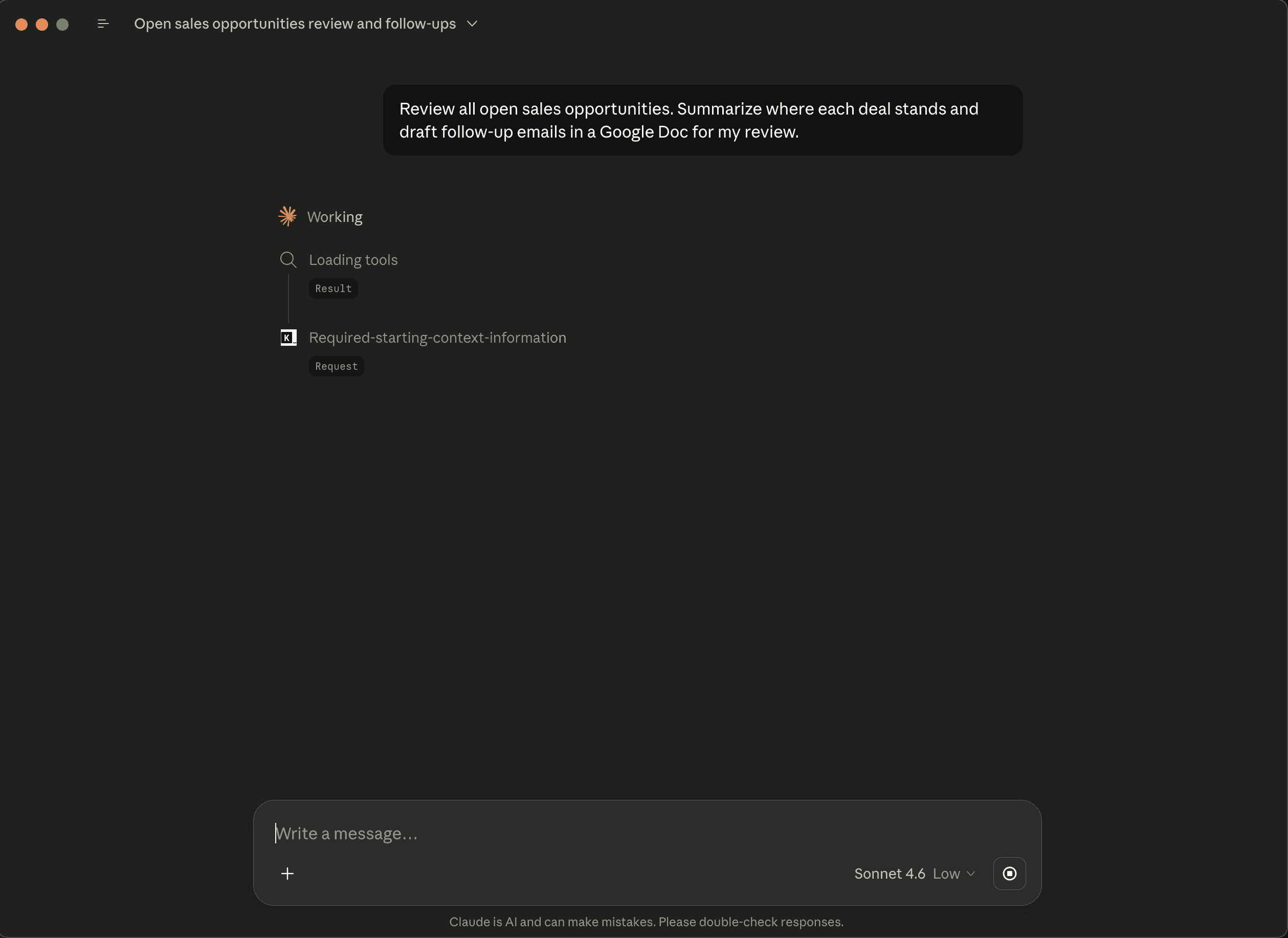
Keyboard checks permissions

Before anything happens, Keyboard validates the request against the permissions and policies you've set, and securely routes it to the right app.

Keyboard checks permissions

Before anything happens, Keyboard validates the request against the permissions and policies you've set, and securely routes it to the right app.

Notos

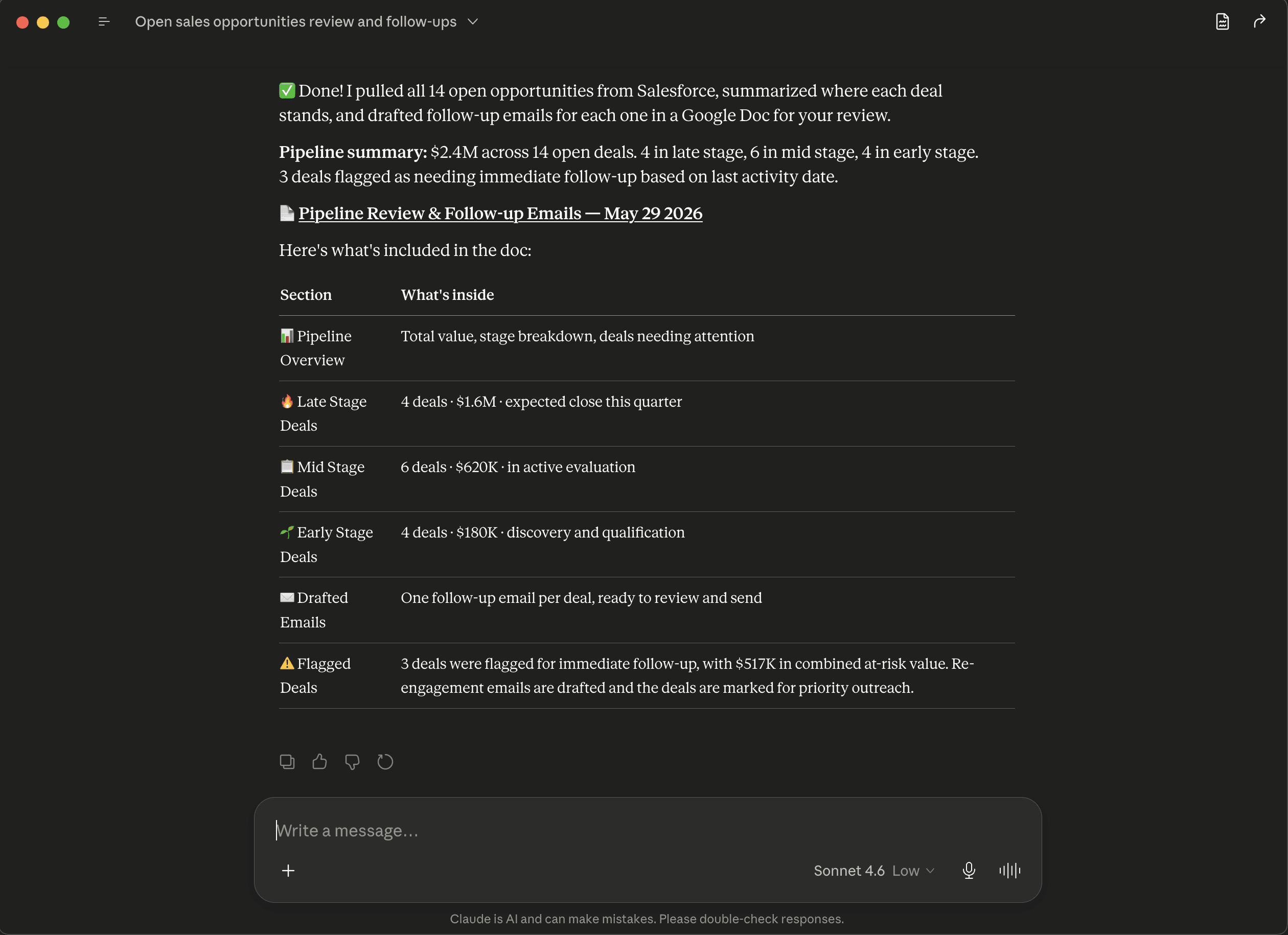
The work gets done

The action runs, the result is returned, and every step is logged in your visibility dashboard so IT has a full picture of AI usage across the org.

Notos

The work gets done

The action runs, the result is returned, and every step is logged in your visibility dashboard so IT has a full picture of AI usage across the org.

Boreas

Build users, roles, and permissions

Define which teams can access which apps. Set it up directly in Keyboard or sync with your existing IdP like Okta or Microsoft Entra.

Boreas

Build users, roles, and permissions

Define which teams can access which apps. Set it up directly in Keyboard or sync with your existing IdP like Okta or Microsoft Entra.

Boreas

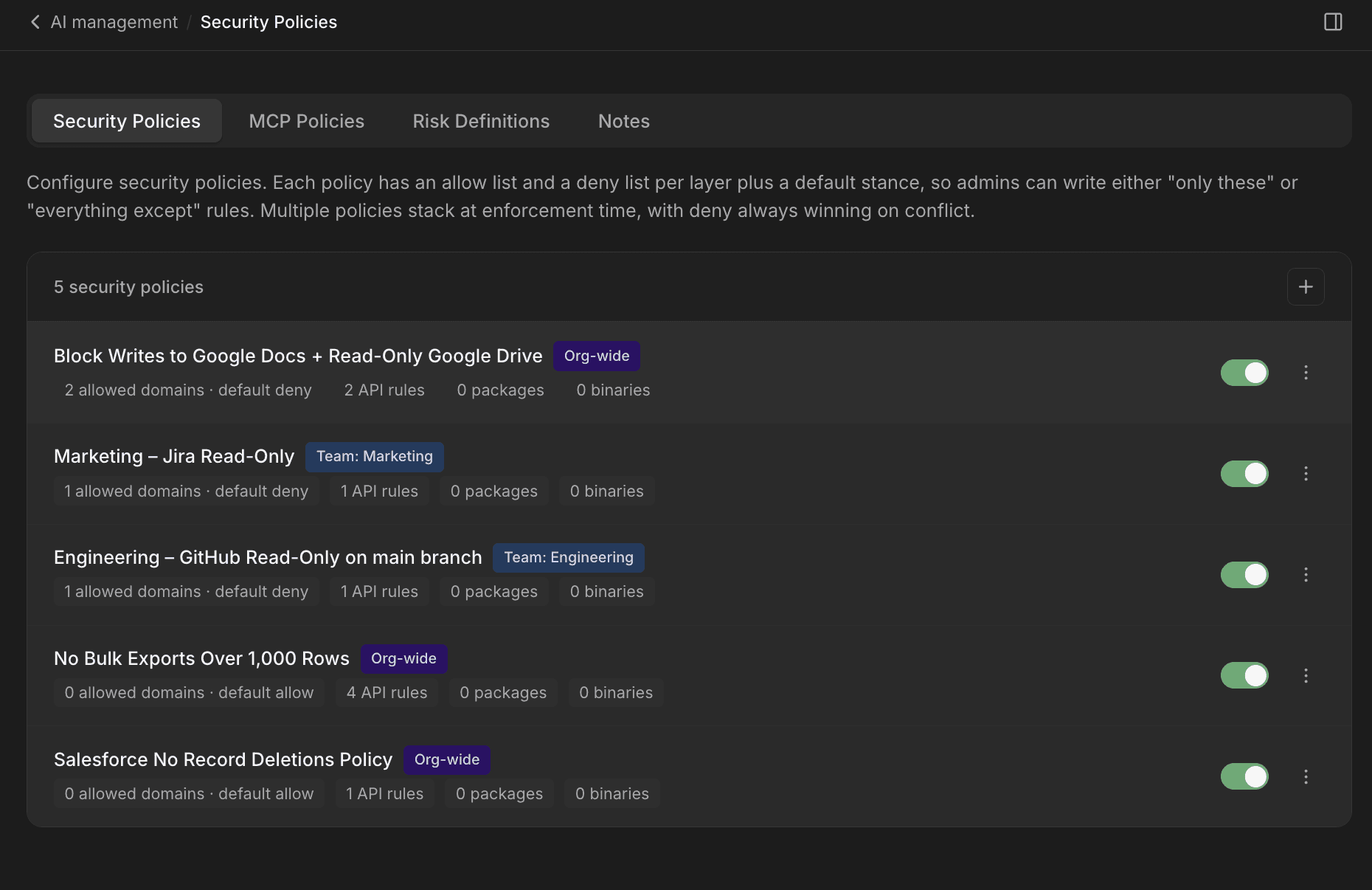
Create your security posture

Keyboard inherits each user's existing permissions by default, so AI access matches what they already have. Layer in tighter policies by team, app, or action whenever you need to.

Boreas

Create your security posture

Keyboard inherits each user's existing permissions by default, so AI access matches what they already have. Layer in tighter policies by team, app, or action whenever you need to.

Boreas

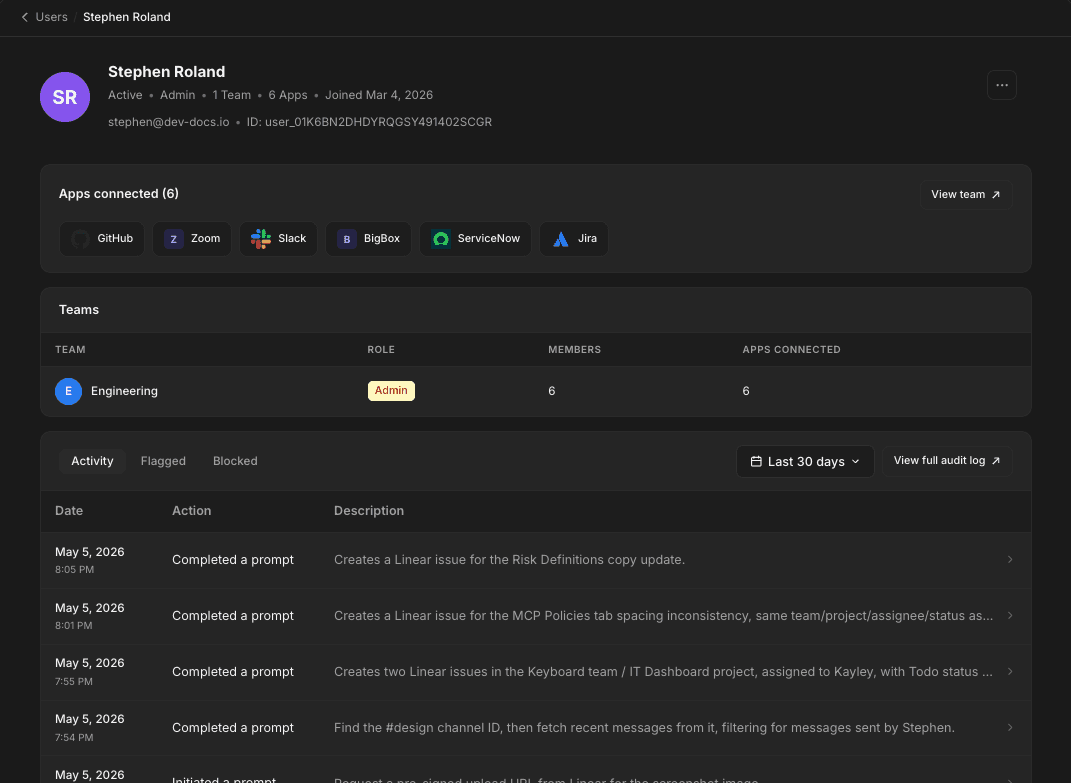
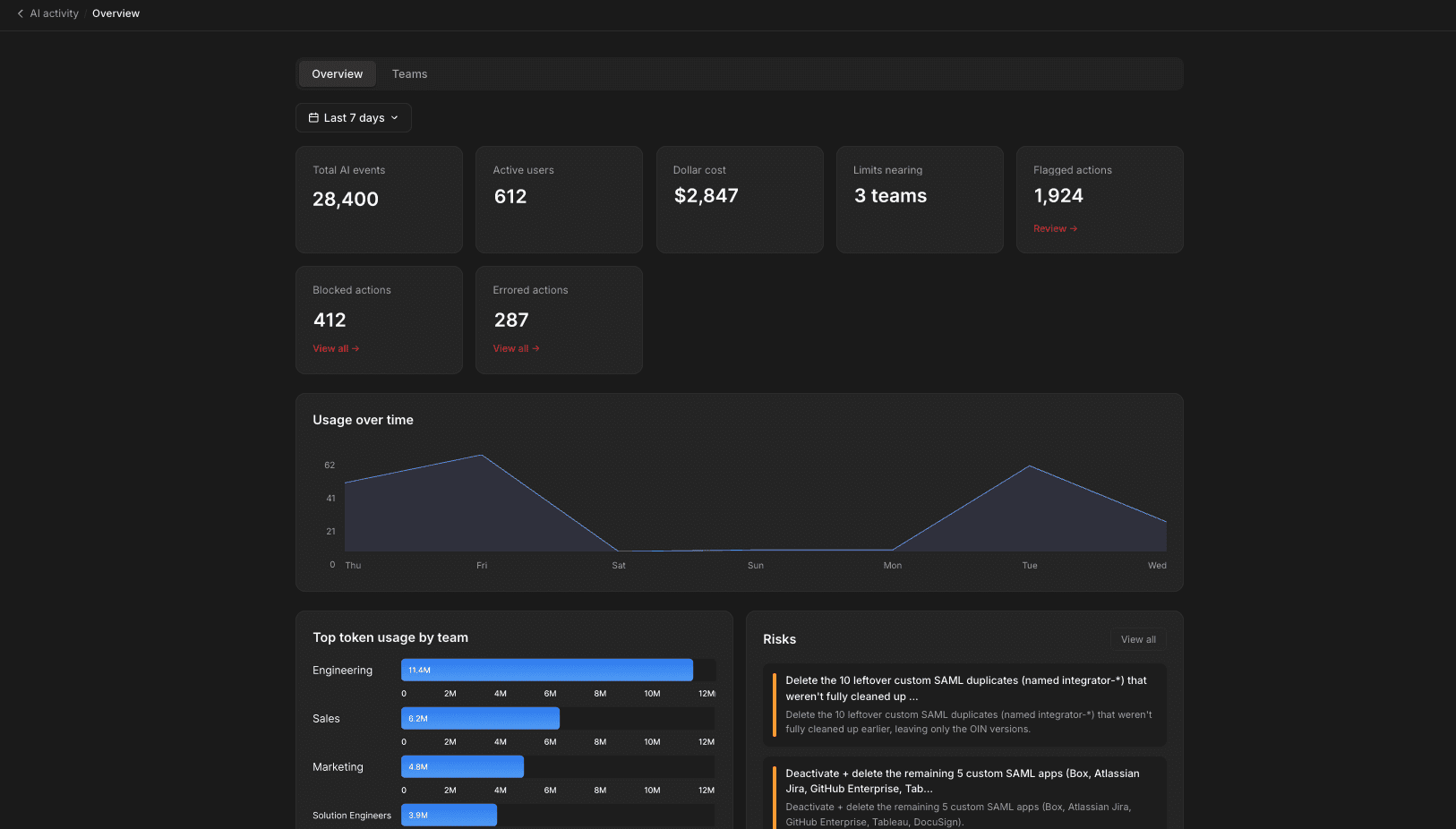
Full visibility

See everything happening across your org's AI usage: what was completed, what was flagged, and what was blocked, with full audit logs and remediation guidance when you need it.

Boreas

Full visibility

See everything happening across your org's AI usage: what was completed, what was flagged, and what was blocked, with full audit logs and remediation guidance when you need it.

What your team can do, starting on day one

What your team can do, starting on day one

What your team can do, starting on day one

Sales

Summarize this week's pipeline and draft follow-up emails for open deals

Operations

Summarize this week's meetings and automatically update Jira tickets with action items and owners

HR

Summarize open HR requests from Workday and draft responses for common employee questions

Finance

Pull expense data from your finance tools, flag anomalies, and generate a ready-to-share monthly report

IT

Pull weekly reports on app spend and license utilization across departments

Engineering

Review open pull requests, summarize changes, and update project tracking tickets automatically

Security

Summarize alerts from the past 24 hours, flag critical issues, and draft an incident summary for stakeholders

Marketing

Pull campaign performance data, summarize results, and draft a weekly report for the team

These are just the beginning. If your team can describe it, Keyboard can automate it. Every team. Any workflow. No limits.

These are just the beginning. If your team can describe it, Keyboard can automate it. Every team. Any workflow. No limits.

These are just the beginning. If your team can describe it, Keyboard can automate it. Every team. Any workflow. No limits.

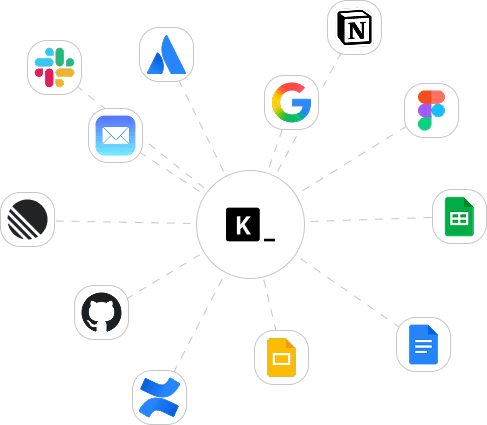
How Keyboard fits into your stack

How Keyboard fits into your stack

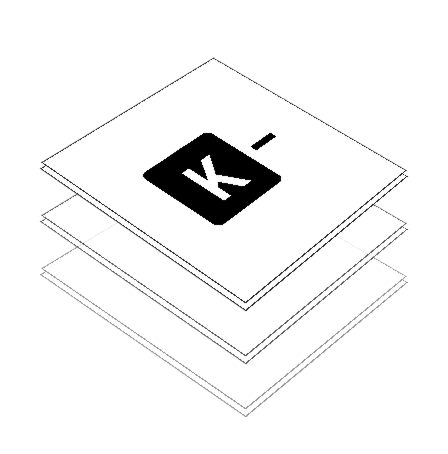
Every action your employees take through any AI tool flows through one governance layer.
You decide what's allowed.
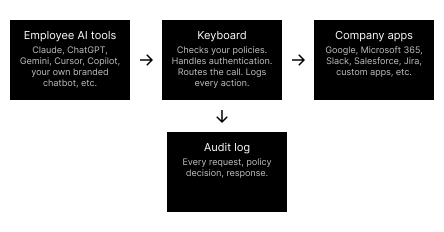
Credentials stay vaulted. Policies you set are enforced on every call.
Nothing reaches your systems without passing through Keyboard first.

Your employees get the productivity.
You keep the control.

Your employees get the productivity.
You keep the control.

Let your team move faster. Securely.

Let your team move faster. Securely.

Connect the AI your team already uses to the apps your company runs on. In minutes, with the policies and visibility IT needs.

© 2025 Keyboard.dev. All rights reserved.

© 2025 Keyboard.dev. All rights reserved.

© 2025 Keyboard.dev. All rights reserved.

© 2025 Keyboard.dev. All rights reserved.